
Turn your music into

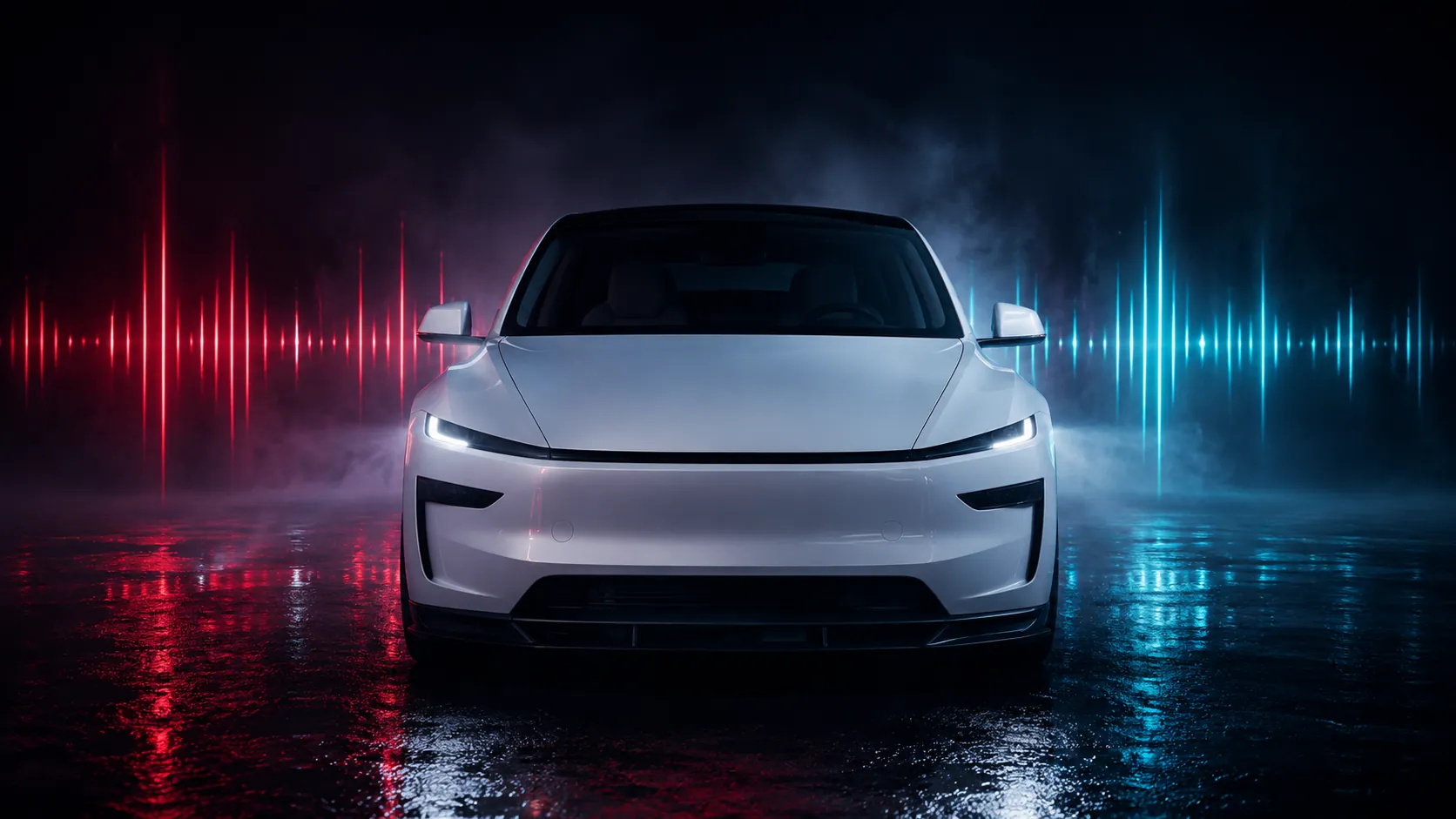
Upload any song. Our AI maps every beat, drop, and detail to a custom light show for your Tesla.
AI Music Analysis
Smart & Accurate
Tesla Compatible
Designed for Light Show vehicles
Fast & Secure
Your Privacy Matters
Step 1 — Upload Your Song
Drag & drop your MP3 or WAV file here
or click to browse (up to 4 hours supported)
Step 2 — Your Vehicle
Standard Model 3 — all lights, no Falcon wings.
Step 3 — Color Theme
Each rendition picks its own colors to match its style — rainbow drifts, red bass pumps, amber-to-ice fades.
Step 4 — Articulation
Movement Timing
Movements land right where the song hits hardest.
Upload a song to begin.
1 Credit per show • .fseq format
How to use your show
Prepare USB
Format as exFAT, FAT32, or MS-DOS FAT. No TeslaCam or firmware files.
Copy Show
Download .zip, unzip it. You'll get a LightShow folder with .fseq + audio.
Plug In & Play
Insert into your Tesla USB port. Toybox > Light Show > Schedule Show.
Multiple Shows
Rename each pair (bass.fseq + bass.mp3) inside the same LightShow folder.
The details
Supported Vehicles
Model S (2021+), Model 3, Model 3 Highland, Model Y, Model Y Juniper, Model X (2021+), Cybertruck
Audio Format
MP3 or WAV, 44.1 kHz. 48 kHz drifts. Shows up to 4 hours.
Command Limits
Thermal limits enforced automatically. Designed for Tesla-compatible Light Show file structure.